
PARKING, CONNECTED TO YOUR DESTINATION.
Plate. Pay. Go.
Confirm your parking location, enter your plate and choose your stay. Review the total before you pay.
No account required for guest QR checkout.
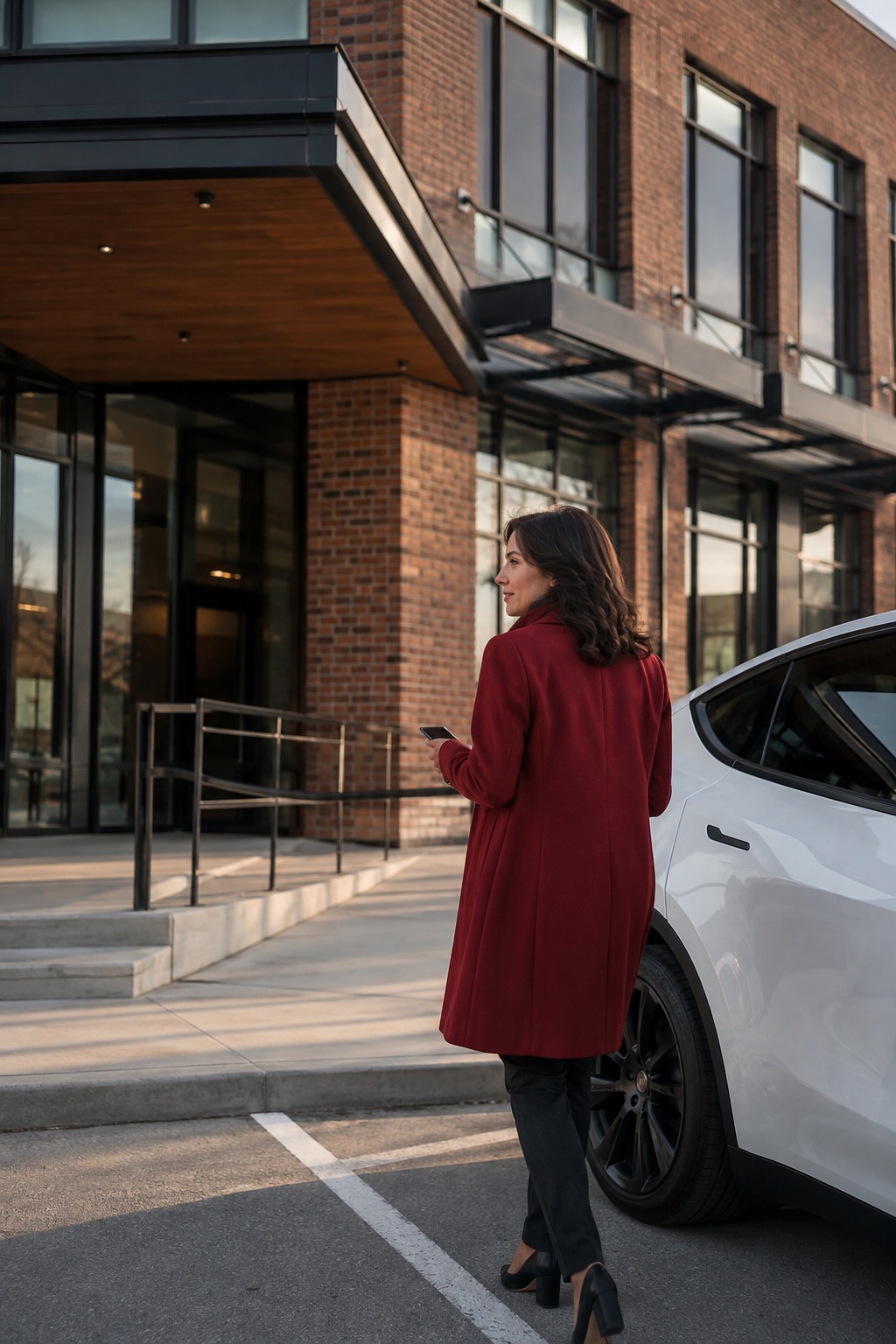
01 / CONNECT THE PLACE WITH THE VISIT
Three steps. One clear confirmation.
- 01
Check your location and plate
Scan the parking QR code or choose a location. Confirm the entrance, your plate and province.
- 02
Choose your stay
Select a duration. See restrictions, the full price and any approved parking benefit before committing.
- 03
Pay, then check your confirmation
Wait for confirmed parking before leaving. If your visit is fully covered, confirm without a card.
03 / QUICKPARK IN PRACTICE
Your parking, clearly confirmed.
This QuickPark screen journey shows a fully sponsored visit: no card payment is required. Card payments and native app release remain subject to launch verification.
See the details before confirming.
Is this the right facility? The right vehicle? What remains to pay? The essential details come together before the visitor commits.
- Facility and vehicle identified
- Price and sponsorship explained
- Confirmed expiry and refreshable status
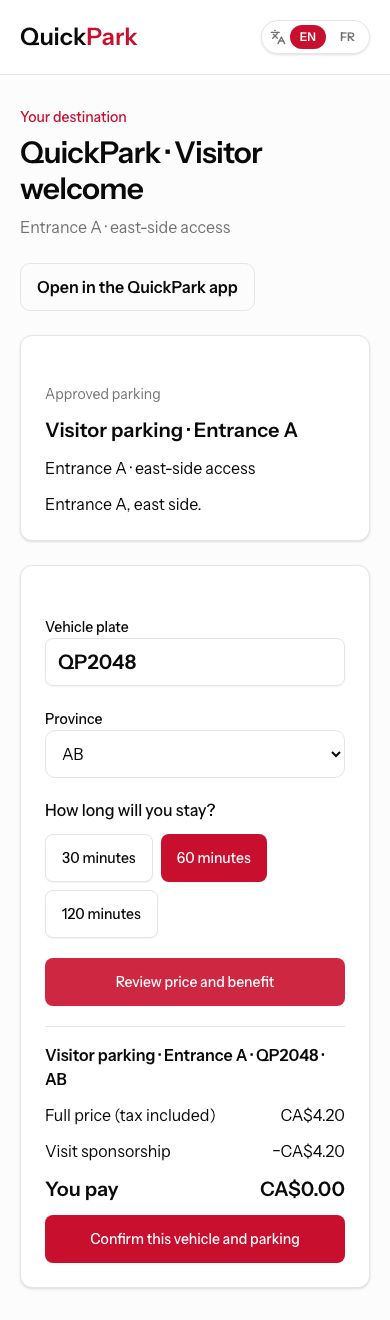
An illustrative scenario in the QuickPark interface, with no real transaction or parking entitlement. Lifestyle photos are generated illustrations, not actual customers or partner facilities.
Parking for your visitors. Control for your team.
Businesses share approved visitor links and parking benefits. Operators manage the rules, budgets and verification in their own workspace.
Business and operator workspaceTHE ESSENTIAL ANSWERS
A few things to know.
Do I need an account?
Guest QR checkout does not require an account. Always confirm the parking location, plate and province before continuing.
What if a business covers my parking?
Your approved benefit and remaining balance appear before confirmation. A fully covered visit does not require a card.
What if payment is still pending?
Pending is not confirmed parking. Return to the same attempt and refresh its status; do not start another purchase.
Can I stay longer?
Open your active parking to check the confirmed expiry and permitted extension options. An extension is valid only once confirmed.
LET’S TALK ABOUT YOUR PARKING.
Talk to QuickPark
Discuss my projectEmail info@quickpark.ca. Do not send vehicle plates, medical details or payment information.